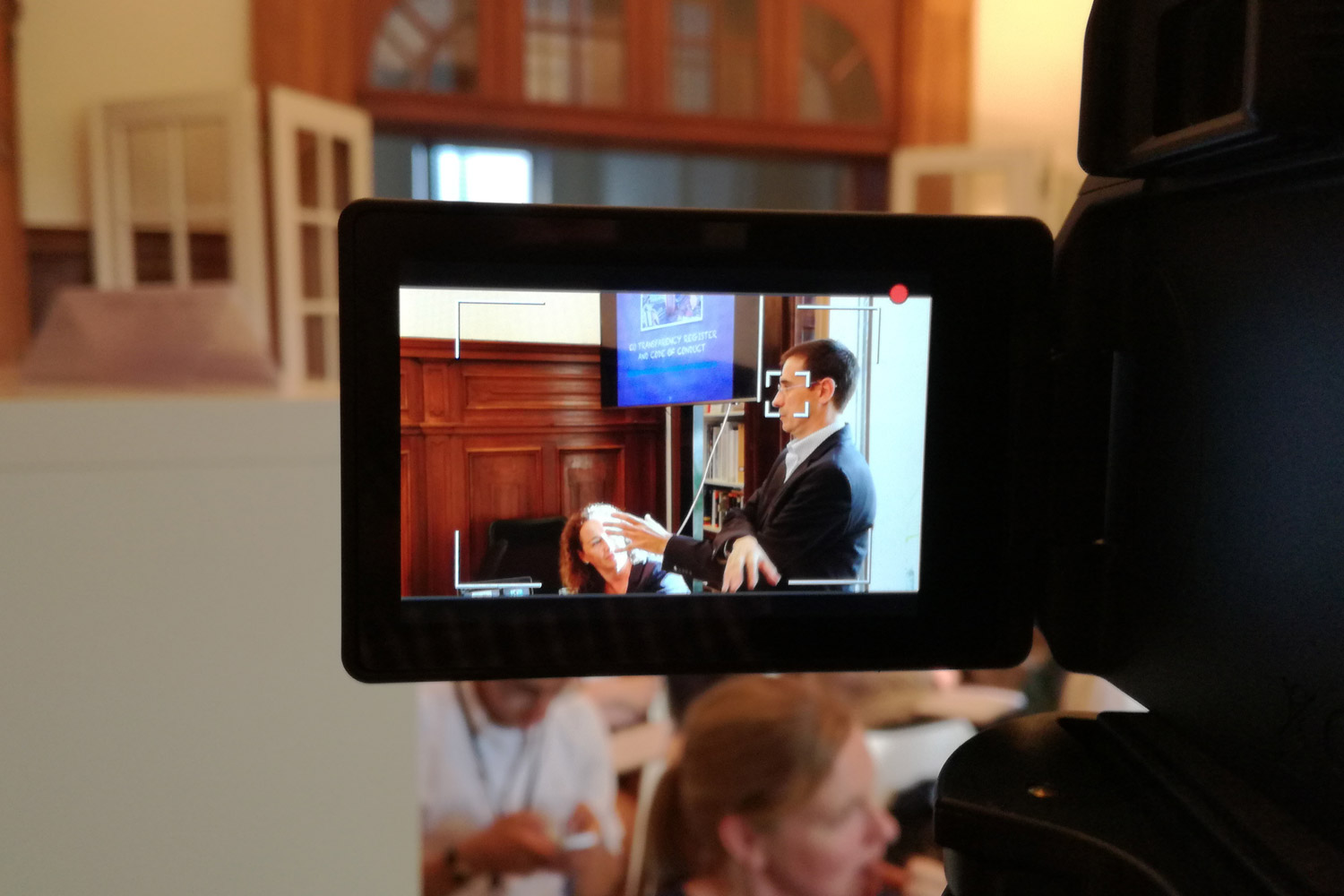
How to shoot and edit videos professionally, made simple.
Videos are no longer a nice-to-have luxury for companies, organisations and individuals. With people chronically online and attention spans lasting only a split second, delivering your message to the right audience has never been more difficult.
As feeds increasingly prioritise video and human connection, learning the art and craft of creating high-quality, scroll-stopping videos has become essential for anyone working in communications and beyond. Ready to hit record?
What you'll learn
In this workshop, we’ll help you create videos that grab attention, connect with your audience and drive results.
In this course, you’ll learn the basics of video storytelling and how to shoot and edit film professionally, even if you’re just starting out.
We focus on learning by doing. This means that you will leave the course having shot, scripted, edited and uploaded a video. You’re welcome to bring your own equipment – even if it’s just an iPhone – or use your preferred editing software.
Programme
Video Shooting and Editing
1
Planning your video
- Understanding the principles of video storytelling
- Defining the purpose, message and audience of your video
- Planning and preparing a shoot for video and photography
2
Understanding the fundamentals of video shooting
- Learning how to handle and manoeuvre your gear
- Using framing and composition techniques to shoot selectively
- Working with light, aperture, shutter speed and ISO
- Shooting people in different settings, including interviews, corporate events and team videos
- Filming guidelines for different platforms, from websites to social media
3
Shooting in practice
- Capturing strong visuals and b-roll
- Keeping shots steady and consistent
- Recording usable audio on location
- Key considerations while shooting
4
Getting started with video editing
- Understanding the main principles and stages of video editing
- Exploring the editing tool and its workspace (using your own editing software if preferred)
- Learning how to craft a consistent visual identity through video
5
Working with colour, audio, text and visual effects
- Using colour correction and grading
- Exploring transitions, visual effects and overlays
- Using titles and graphics to elevate your video
- Adjusting and editing the audio
6
Refining, adapting and publishing your video
- Reviewing and refining your video
- Tailoring your video to different platforms
- Exporting and storing videos correctly
- Analysing edits and receiving constructive feedback from the trainer
What's included?
- Hands-on video training, from shooting to editing
- Led by experienced trainers
- Possibility to use your own equipment and editing software
- Flexible scheduling and location to fit your team’s availability
- Delivered in-person or online - whichever suits you
Potential add-ons:
- AI for photo and video creation
- Filming and editing support
- Use of our training facilities
- One-to-one coaching
- Certificates
Is this course for you?
This course is designed for professionals who want to learn how to produce videos for different purposes, audiences and channels.
It is suitable for both beginners for those looking to shoot and edit videos with more confidence.
It can also focus on specific platforms, tools or formats, or be adapted to the equipment and software your organisation already uses. It can also be combined with other courses, such as on-camera training, or include a strong AI component to support video creation and editing.
Meet our trainers
Our trainers range from filmmakers, journalists and agency founders, all with in-depth experience in video making.
Your trainer for this course will be either Andres Gomez Lencina, a filmmaker and founder of a Belgian video production agency active since 2016, or Bryan Carter, an independent journalist and filmmaker with over 15 years of experience working with major news channels.
The Clear Europe team will work closely with you and your trainer to tailor the training, provide ongoing support and make sure your team leaves confident in recording and editing videos.

Testimonials
What our clients say
FAQs
Curious about how we work?
Check our FAQ to find out everything you need to know about organising a training with us.
Panel body text.
I am text block. Click edit button to change this text. Lorem ipsum dolor sit amet, consectetur adipiscing elit. Ut elit tellus, luctus nec ullamcorper mattis, pulvinar dapibus leo.
I am text block. Click edit button to change this text. Lorem ipsum dolor sit amet, consectetur adipiscing elit. Ut elit tellus, luctus nec ullamcorper mattis, pulvinar dapibus leo.
I am text block. Click edit button to change this text. Lorem ipsum dolor sit amet, consectetur adipiscing elit. Ut elit tellus, luctus nec ullamcorper mattis, pulvinar dapibus leo.
I am text block. Click edit button to change this text. Lorem ipsum dolor sit amet, consectetur adipiscing elit. Ut elit tellus, luctus nec ullamcorper mattis, pulvinar dapibus leo.
We're here to help — get in touch
Ready to create scroll-stopping videos?
Contact - Video Shooting and Editing
"*" indicates required fields